
5 CarStickers.com Design Tool Tips for Custom Sticker Designs
Learn five helpful features in the CarStickers.com Design Tool for creating custom sticker designs. This tutorial shows how to change product details after you start designing, edit or remove custom text placeholders, create curved text, add variable data, and use an image as a sticker background.
You'll also see how a comma-separated list can create personalized designs with different names and how layers can be used to position an image behind the other elements in your sticker design.
 How to Create a Sticker Cut Path in Adobe Illustrator
 11 Common Sticker Questions Answered: Artwork, Materials, Size & More
 DIY Wedding Sticker Ideas for Favors, Gifts & Decorations
 How to Use the CarStickers.com Design Tool: Step-by-Step
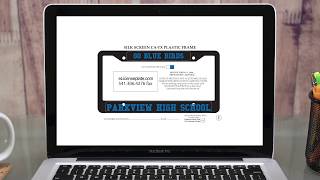 About eLicensePlateFrames
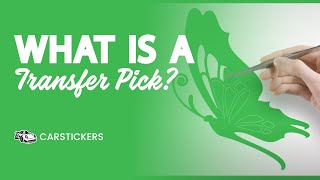 What Is Transfer Decal Picking? See How It Works
 Why Choose CarStickers.com for Custom Stickers?
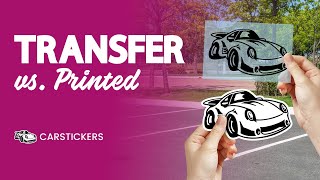 Printed Stickers vs. Transfer Decals: What’s the Difference?